About this blog and its microfeatures
⋅ 5 minute read ⋅ 917 words
No blog would be complete without a post explaining the code and frameworks used to generate it. In fact, often tweaking the blog code is more fun than actually writing something.
§Static site generator
I try to keep the tech of this blog simple. I am using the Hugo static site generator and chose one of the simplest themes Bear Cub to get started. What I liked about the theme was its small code footprint, no JavaScript/ads/trackers, and it was entirely focused on text. The generated pages are small and load fast. The simple layout made it very easy for me to understand and modify it over time.
The source code is hosted on GitLab and the static sites are published to GitLab Pages. This means that to publish a new post, I just have to push a commit with the changes to the remote repository.
§Supporting math, code, Jupyter notebooks
At the time of starting this blog I worked as a data scientist. I wanted to be able to share reproducible Jupyter notebooks that I could easily convert to HTML and embed in this blog. All notebooks are reproducible unless the data used in the blog post is too large to be uploaded to GitLab. I put my notebooks into the /notebooks folder of the repository and use the script nb2hugo
to convert the notebooks to markdown files. At the bottom of the post you can usually find the link to the Jupyter notebook, the poetry environment, and the data. I wrote about this here
.
The equations on this blog are rendered with KaTeX .
§Content types
The content of this blog has four different types:
- Posts are normal blog posts.
- TILs, or Today-I-Learned, are notes documenting something small I have learned on a day. The idea is based on Simon Willison’s TILs .
- Links appear in Feeds and are links that I want to share, usually with a short comment. They can be thought of as a retweet.
- Book reviews.
1-3 are shown in reverse-chronological order in the main page’s feed.
§Microfeatures
I like Daniel Fedorin’s post on blog microfeatures . In the same spirit, here are the microfeatures that I have added:
§Recommendations
Most pages have post recommendations at the bottom. I compute the (cosine) similarity of posts after summarizing them with a local LLM, computing embeddings, and storing them in a local Chroma vector database. The two most similar posts and their cosine similarity are then displayed. Note that all of this is pre-generated and static. I wrote in more detail about how this works here .
For this post, they look like this:
§Sidenotes
I can add sidenotes like this one. to a blog post by using the {{% sidenote %}} shortcode. I really like to use this for comments that are additional to the primary content or later updates to a blog post.
§Markers for external links
Internal links on this blog have no marker and open in the same window. External links are appended with an icon and open in a new window. Inspired by gwern.net , I also added specific icons for particular sites: tweet on x.com, book link on goodreads, video on youtube, and article on wikipedia.
§Link-blog / retweets / boosts
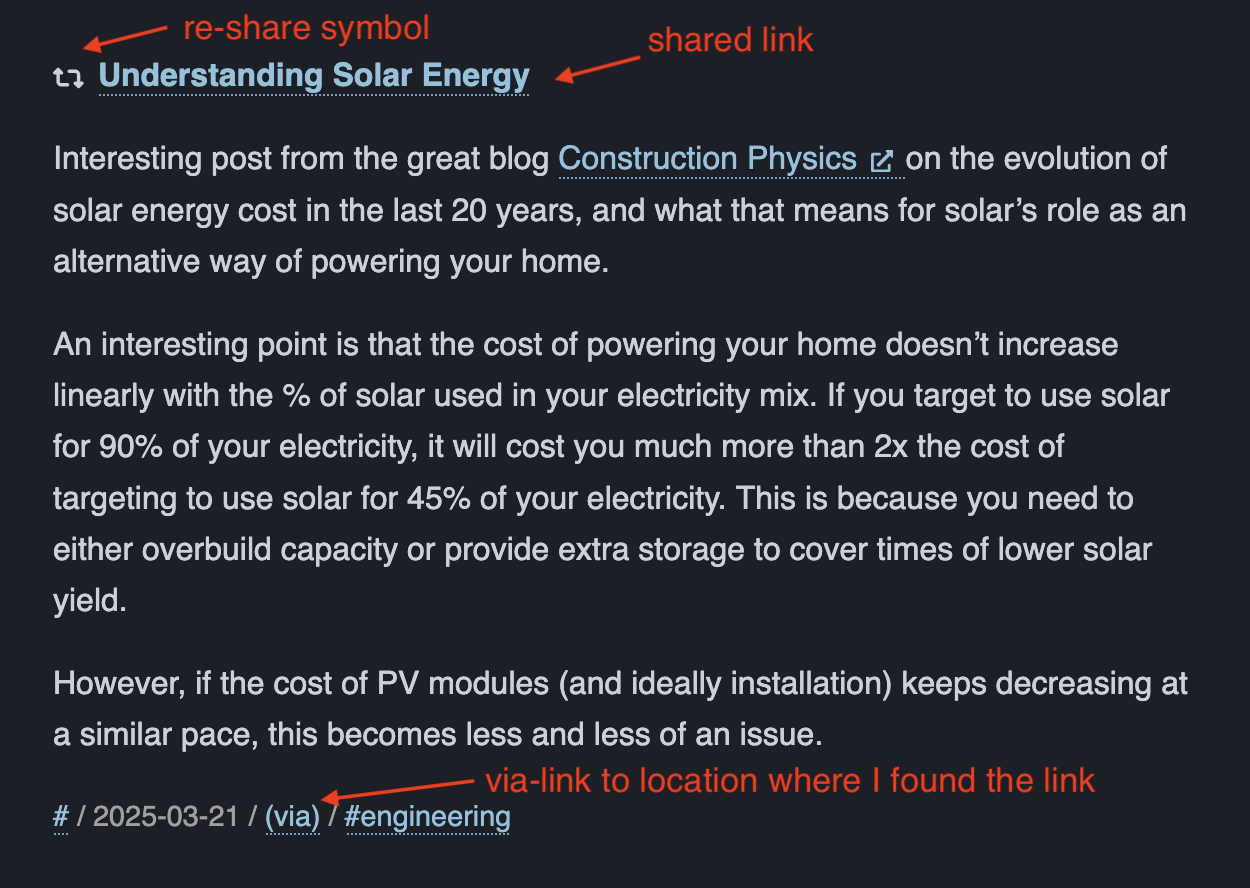
The main page of this blog has a section Recent which displays a feed of the content being posted. It’s a mix of posts, TILs and link-blog entries and should mimic a social media profile feed.
Shared links have a reshare/boost symbol and usually a short comment about them. They also have a via link to the place where I found this link. This is also inspired by Simon Willison’s main page.
§RSS
I provide RSS feeds for all content types and also separate feeds for Posts , TIL , Feed , and Books only. I wrote more about this here .
§Table of Contents
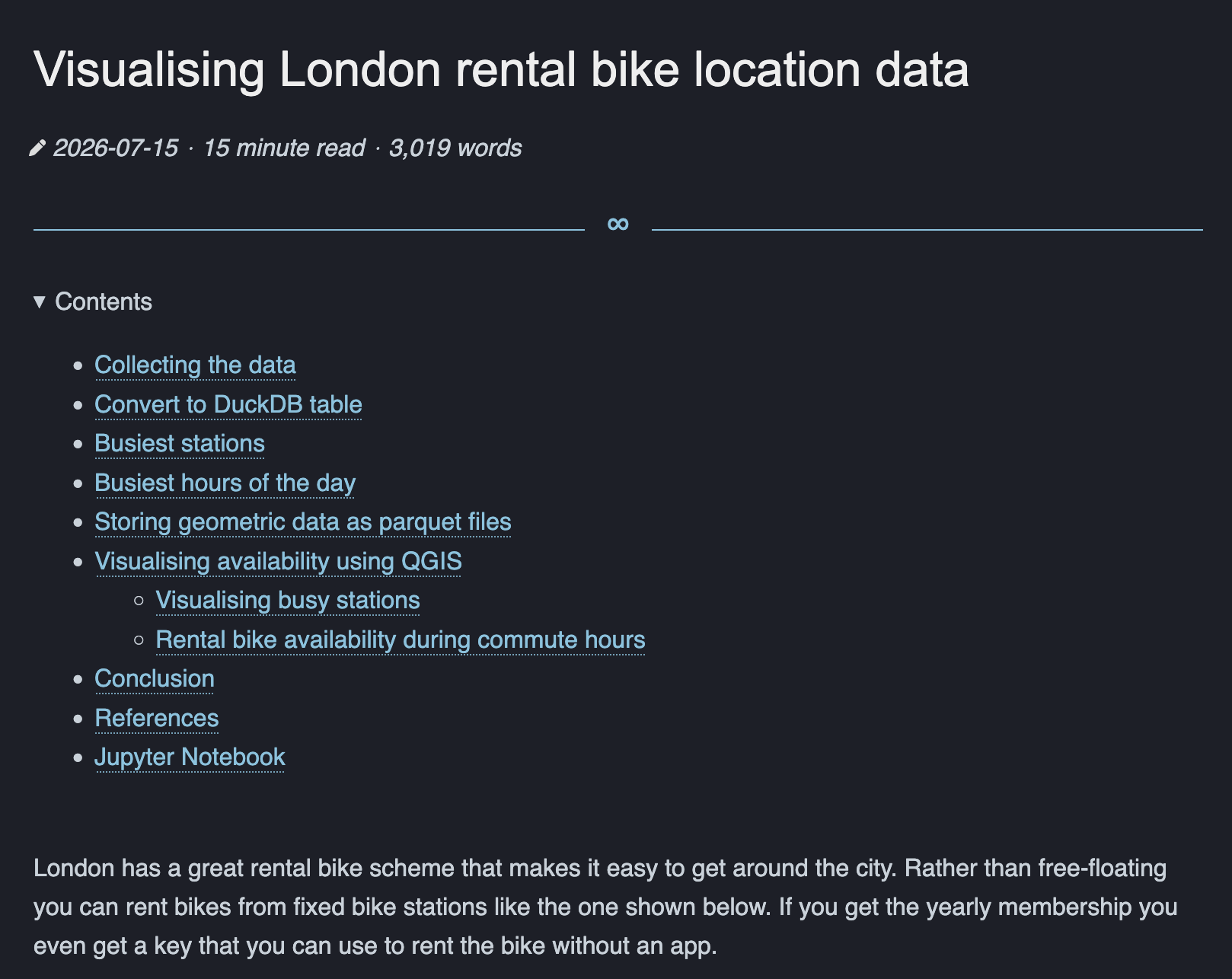
Longer blog posts have a table of contents section at the beginning of the post.
§Linkable Headers
The main headers of blog posts have a linkable §-symbol in front of them. This means you can easily link to a specific section of the blog post.
§Drawings
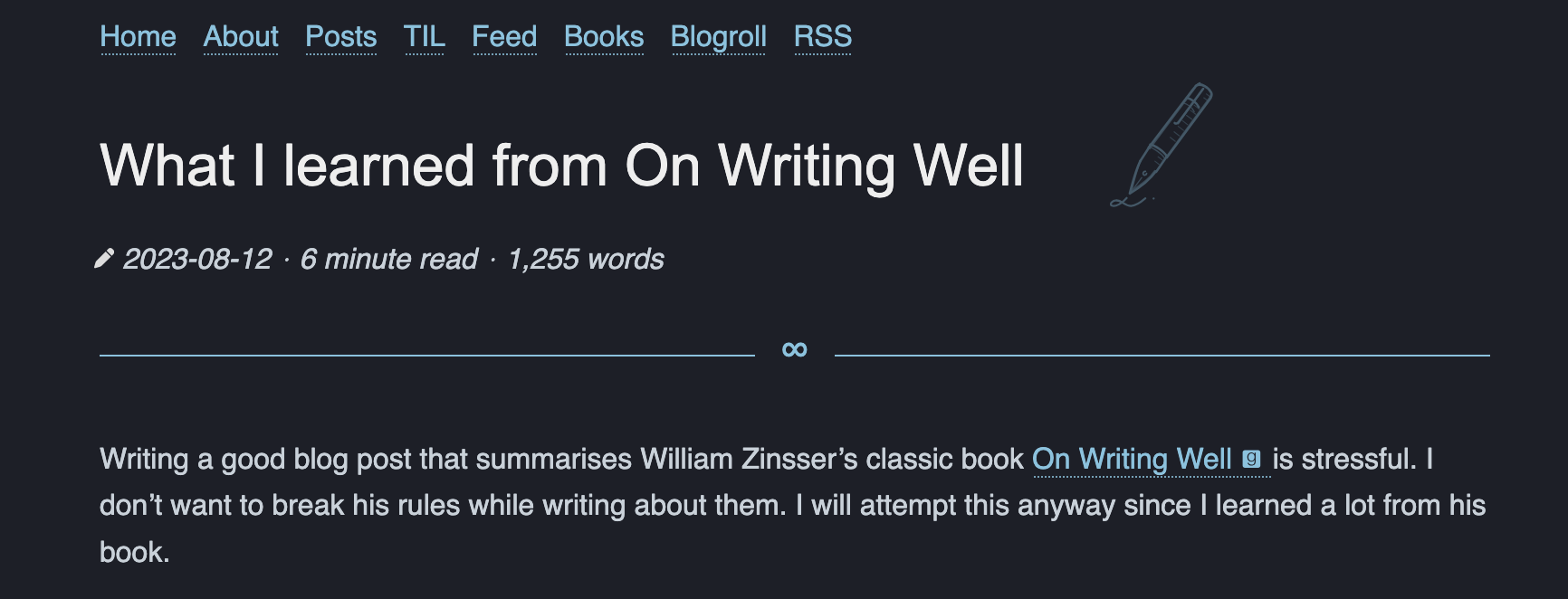
I added the ability to provide an optional SVG image that is added to the background next to the post title, e.g. here and here .
§Prompts / LLM responses
When I first wrote about using an LLM to build something
I thought that it would be quite common to share a prompt and the LLM’s output in your blog post. So I built a small feature to display them in a chat-like fashion. You can use {{% prompt %}} to put text into a prompt chat bubble, and {{% llm %}} for the model response (colored by model). Turns out, this is not something I regularly need and nobody wants to read someone else’s prompt or the LLM’s answer anymore.
Model: claude-opus-5-5 - response
There are 3 Rs in “strawberry”: strawberry.
Model: openai-sol-5-6 - response
There are 3 Rs in “strawberry”: strawberry.
Model: qwen-4-3 - response
There are 3 Rs in “strawberry”: strawberry.
If you have any thoughts, questions, or feedback about this post, I would love to hear it. Please reach out to me via email.
#rss #blog